
Apparel Merchandising & Sourcing · Bangladesh RMG · 15+ years
RMG Xpress LogoRMG Xpress Insights by Sohel · new issue every week →

Projects

Projects

Ten projects I built with AI-assisted development. Five solve daily merchandising problems at LPP. Four serve my PGD-GB studies, my batch and my own work. One is an open training deck for the trade.

Built for LPP S.A.

Merchandising tools

Tools for production follow-up, supplier data and reporting. Each one has a live demo with made-up data, so you can try it in your browser.

Cover card for Follow-Up Master: Excel-style grid, live formulas, DD import, buyer status emails

Follow-Up Master: Production Follow-Up for Merchandising

Sep to Oct 2026 · LPP S.A. · Windows desktop app

Every week the production follow-up chart was rebuilt by hand in Excel from the main order export, and the weekly status emails to each buyer were typed out one by one. I built Follow-Up Master to hold the chart as a live app: the same 42 columns, the same formulas, with the import, the checks and the buyer emails built in.

What it does

  • Keeps Running Orders and Shipped Orders in an Excel-style grid: 42 columns A to AP, live formulas with row-relative references, filters with counts, a subtotal row that follows every filter, frozen panes, copy and paste over blocks, undo and redo, and a Done mark per row that clears itself when the order changes.
  • Imports the weekly main order export (DD) and shows every change before it is applied: new orders, quantity, price, ETD and transport updates, cancelled and missing orders. Deleted orders stay in a change log and can be restored.
  • TNA & Critical Path: 15 checks across both sheets, such as sewing started before PP approval, fabric inhouse less than 3 days before sewing, shipment sample not sent with the ETD close, and duplicate PO numbers. Each check lists its rows and opens them in the sheet.
  • Auto Production Reports: pick an ETD cut-off (ETD weeks run Monday to Monday) and a shipped period, tick the buyers, and download one Outlook draft per buyer with To, CC, subject and the order table filled in. Columns, headers and a note below the table are configurable. Nothing is sent from the app.
  • My Buyers List: buyer contacts with brand, department and subclass filled from the orders, an inactive list built from buyers who have orders but no contact, checks for missing or duplicate emails, and a styled two-sheet Excel export.
  • Dashboard with live figures from the same formulas: order status, ETD due in 7 and 30 days, overdue milestones in red and amber, orders by buyer and supplier.
  • DLO vs Agent pages that compare the liaison office's own orders with agent orders from the same export, by buyer, brand and season, and by price band when the export carries prices.
  • KPI Pulse loads beside the chart and is fed both sheets, so the ten KPI sheets rebuild from the live data. Exports the chart to Excel with colours, formats and formulas kept, and backs everything up to one file. The demo includes a made-up weekly DD export, so the import and the DLO vs Agent pages can be tried too.

Packaged as a Windows installer (v1.2.17). Runs offline, needs no admin rights and uploads no data. In daily use on a real order book of 381 running and 3,079 shipped orders. Every change is tested in the browser with the real data before it is built into the installer.

Try the demo →
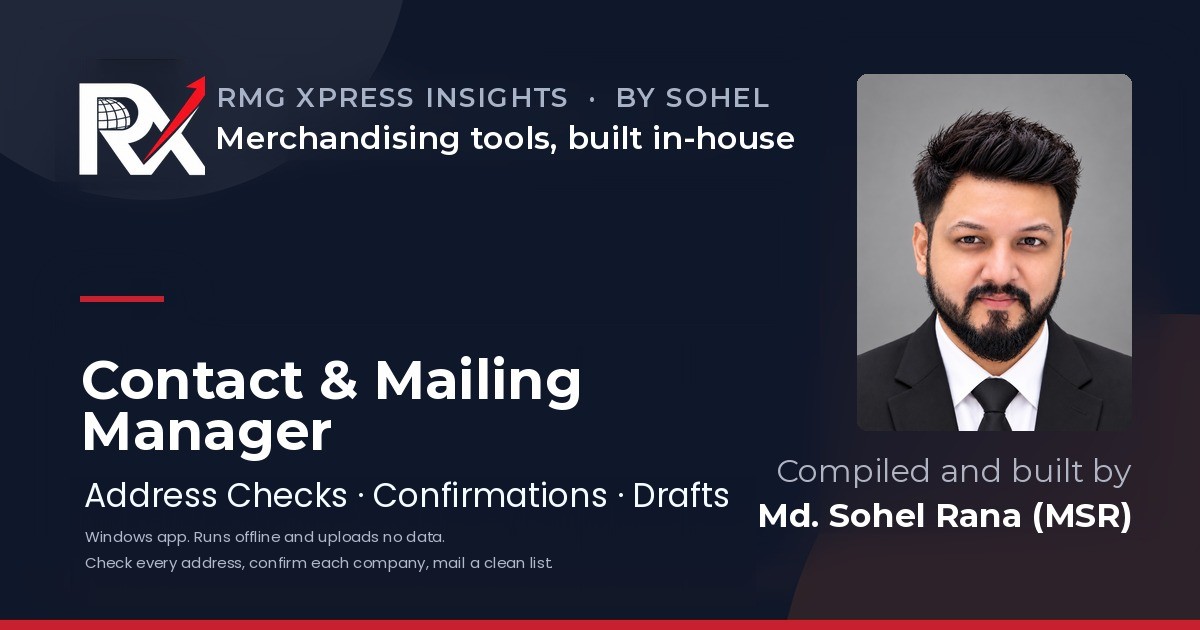
Cover card for Contact & Mailing Manager: address checks, company confirmations, Outlook drafts

Contact & Mailing Manager

Sep 2026 · LPP S.A. · Windows desktop app

Supplier mailing lists held wrong and outdated addresses. Mails bounced and suppliers missed updates. I built Contact & Mailing Manager to clean the supplier contact master and keep it confirmed with each company.

What it does

  • Checks every email address and mobile number, flags likely typos, disposable and role addresses, and shows the reason under each health label.
  • Checks whether each company domain has a mail server (MX). It sends domain names only, and only after the user agrees.
  • Loads Excel, CSV, Google or Outlook contacts, vCard, Word tables and JSON, several files at once, with a column check before anything loads.
  • Sends each company its confirmation sheet with an Outlook email draft, one per company with only its own sheet attached, then imports the returned sheets and lists every change before it is written.
  • Organises contacts into groups. Deleting a group never deletes its contacts.
  • Records Office 365 bounces from the bounce messages or pasted addresses, and keeps bounced and do-not-mail addresses out of every list.
  • Builds a clean “Ready to Mail” list for Outlook, with saved lists, batches and copy by company.
  • Keeps a change history for every contact, dated versions, duplicate merging and a restore bin, and backs up everything to one file with an optional password.

Packaged as a Windows installer (v1.0.3). Runs offline, needs no admin rights and uploads no data. Checked end to end: 32 desktop tests, and the same page running in the browser in six colour themes and at phone width.

Try the demo →
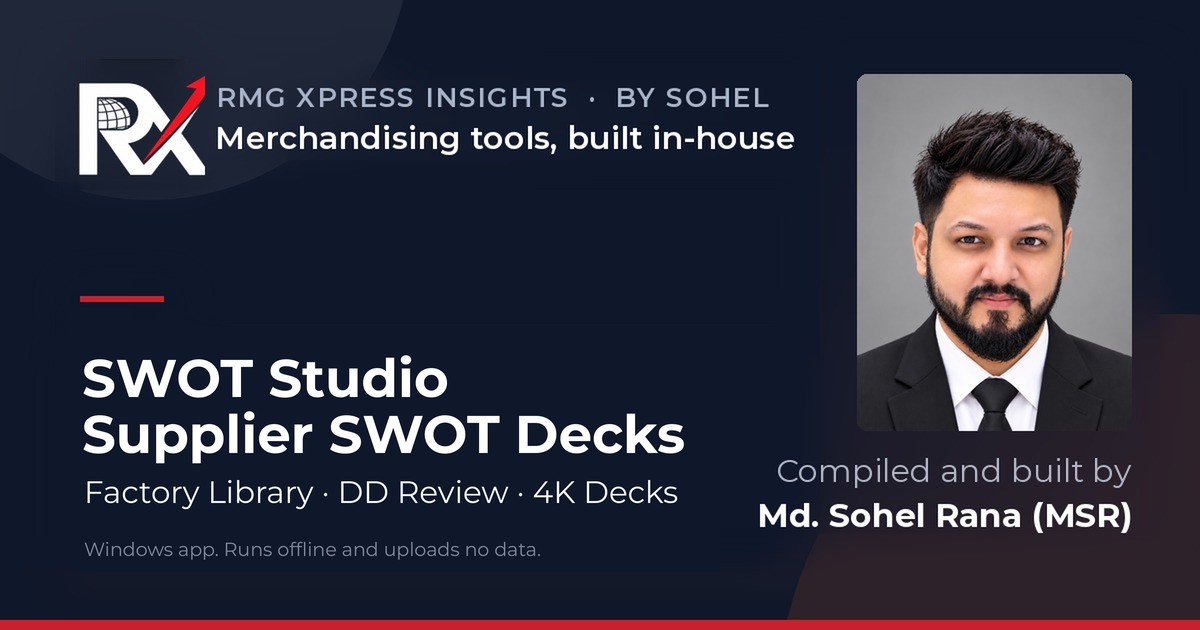
Cover card for SWOT Studio: supplier SWOT decks, factory library, DD review, 4K decks

SWOT Studio: Supplier SWOT Deck Builder

Sep 2026 · LPP S.A. · Windows desktop app

Supplier review decks needed the same eight pages for every factory and every season. Building them by hand was slow, and the numbers were easy to get wrong. I built a studio that keeps one factory library and the order data, then builds the full SWOT deck for any factory or category.

What it does

  • Keeps one factory library: basic information, the four SWOT boxes, up to 3 photos, SC and QA audit reports and contacts, with two lock levels.
  • Reads and writes every Excel format, including a one-factory form the supplier fills and sends back.
  • Holds order, shipped and late quantities per season and factory, shows each factory’s SWOT status and flags shipped above order.
  • Rechecks the order data against the weekly DD order export and changes only what the user approves.
  • Builds the 8-page deck for one factory, a category or all factories: cover, factory information, SWOT, order comparison, punctuality, audit reports and contacts.
  • Exports PowerPoint, PDF and JPEG in 4K, single charts for mails, and the order summary to Excel.
  • Includes a guidebook with a picture of every screen, saved as an A4 PDF.
  • Backs up all data to one file, to keep it safe or move it to a new computer.

Packaged as a Windows installer (v1.0.6). Runs offline, needs no admin rights and uploads no data. Checked end to end on a library of 151 factories and a DD export of 118,474 order lines.

Try the demo →
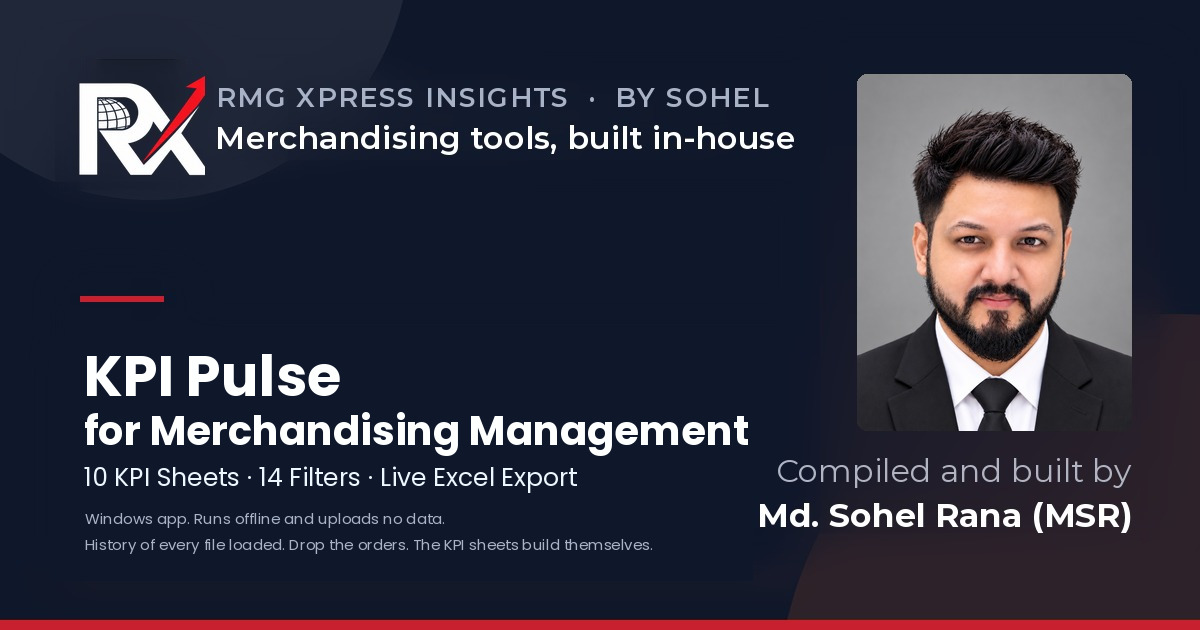
Cover card for KPI Pulse: 10 KPI sheets, 14 filters, live Excel export

KPI Pulse for Merchandising Management

Aug to Sep 2026 · LPP S.A. · Windows desktop app

Management needed a clear view of order status and team performance. The data sat in running and shipped order sheets that took hours to summarise. I built KPI Pulse: drop the orders workbook, and the KPI sheets build themselves.

What it does

  • Builds 10 KPI sheets: executive dashboard, supplier vs brand, supplier performance, buyer dashboard, PO KPIs by season, buyer, workload and split, a SWOT prep sheet by season, merchandiser and supplier, and a data quality check.
  • Offers 14 filters with multi-select, all built from the team’s own data, and recalculates every figure the moment one changes.
  • Sorts seasons in calendar order and keeps every KPI sheet fitted to the window, in light or dark theme.
  • Exports one Excel workbook where the same 14 filters keep working: every KPI sheet is a live formula over the order sheets, checked against the page cell by cell (6,412 cells, 0 differences).
  • Keeps a history of every workbook loaded, inside the app. Open an earlier order book again, as of today or as on the day it was loaded; label, pin, download or delete; back up the whole history to one zip and import it back.
  • Shows a four-step loader with a live clock and a Ready screen with the numbers before the dashboard opens.
  • Prints any sheet on A4 landscape, saves it as PDF, or exports it as CSV.
  • Ships a blank input template with the 42 column headers, formats, dropdowns and one worked order per sheet.

Packaged as a Windows installer (v1.1.0). Runs offline, needs no admin rights and uploads no data. Checked end to end on a real order book of 3,362 rows: 14 desktop tests, the LibreOffice recalculation of every live cell, and the same page running in the browser.

Try the demo →
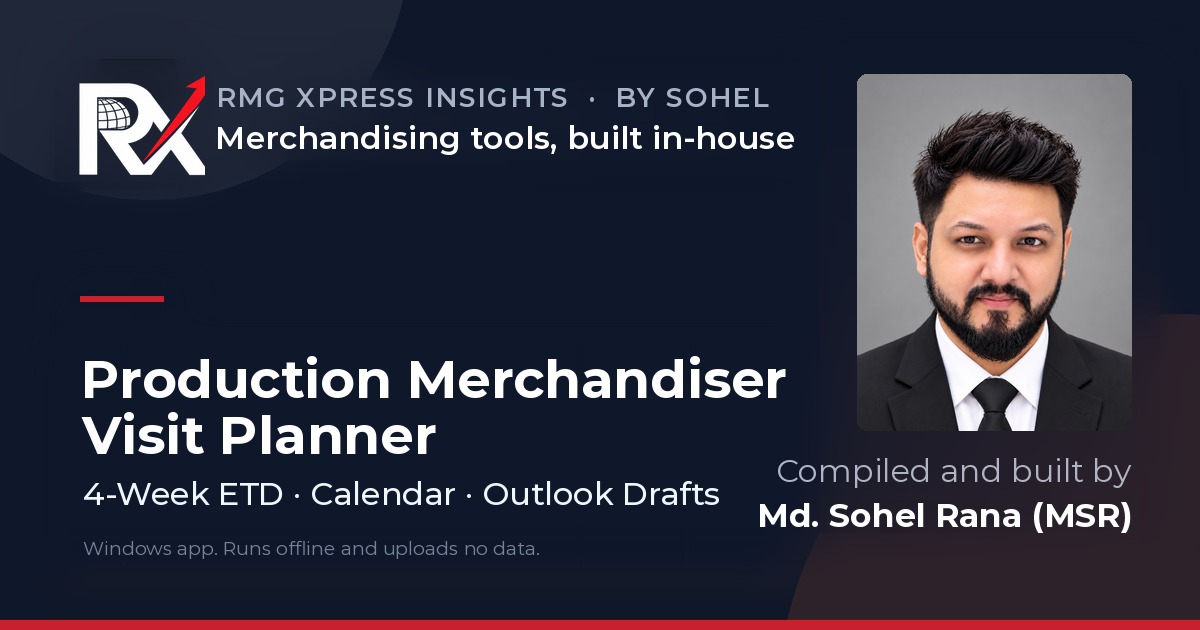
Cover card for the Production Merchandiser Visit Planner: 4-week ETD, calendar, Outlook drafts

Production Merchandiser Visit Planner

Aug to Sep 2026 · LPP S.A. · Windows desktop app

Production merchandisers planned weekly factory visits by hand from the order export. It took time, and inspection windows were easy to miss. I built a planner that reads the PM allocation and the weekly master order export, then builds the visit plan for the week.

What it does

  • Plans backwards from the ex-factory date, derived from the vendor pickup date.
  • Covers a 4-week ETD horizon by default, with adjustable windows.
  • Keeps a built-in PM allocation list the team can edit, export and import. A loaded Excel file is used for that session only.
  • Checks factory names before planning. A name with the first two words right is matched to the order file, and anything unclear is asked.
  • Shows each file’s load status with the live time left, and lets the user lock, change or clear a file.
  • Lets the team edit the plan, save each week to history and export a CSV.
  • Adds visits to the Office 365 calendar and creates Outlook drafts.
  • Backs up all planner data to one file, to keep it safe or move it to a new computer.

Packaged as a Windows installer (v1.0.6). Runs offline, needs no admin rights and uploads no data. A 94-test regression suite gives identical results in the browser and the desktop app, and a real 112,933-row order export plans exactly as it did in the first certified version.

Try the demo →

Live on the web

Web projects

Public sites, hand-built with AI assistance, no framework and no agency.

Cover card for the PGD-GB Batch 11 Industry Attachment and Final Defense

PGD-GB Industry Attachment Report & Final Defense

Aug 2026 · IBA, University of Dhaka

My Module 3 internship study: sustainable and ethical sourcing practices and their challenges in the Bangladeshi RMG industry, seen from a buying and liaison office. I published the full report and the defense deck as one site.

What it holds

  • The full report: eight sections, five tables, six figures, references and appendices.
  • The 12-slide defense deck in HD, with PPTX and PDF downloads.
  • Defense schedule: Board 05, Slot 1, Wednesday 19 August 2026, online.
  • Evidence from woven-bottoms sourcing at the LPP S.A. Bangladesh Liaison Office.

Supervisor: Mohammad Saif Noman Khan, Associate Professor, IBA.

Visit the attachment site →
Cover card for the PGD-GB Programme Archive: 46 lecturers, 108 classes, 3 modules, 30 credits

PGD-GB Batch 11 Programme Archive

Jun 2026 · IBA, University of Dhaka

Course details for the IBA-SICIP Post Graduate Diploma in Garment Business were spread across notices, groups and files. Classmates had no single place to find them. I built an independent archive of the programme for Batch 11.

What it holds

  • Searchable profiles of 46 faculty and industry lecturers.
  • Full history of 108 classes across 3 modules, filterable by module, subject and lecturer.
  • The Module 3 industry attachment guide: schedule, forms, report structure and defence format.
  • A link to the batch result checker.

A student-made archive, not an official IBA or SICIP publication.

Visit the archive →
Cover card for the PGD-GB Batch 11 Result Checker: roll and name lookup, transcript, CGPA

PGD-GB Batch 11 Result Checker

Jun 2026 · IBA, University of Dhaka

Classmates had no simple way to view their own marks and transcript. I extracted marks from scanned PDF result sheets, checked the grade and GPA logic in Excel, and built the page on GitHub Pages.

What it does

  • Each student looks up their own result with roll number and name.
  • Shows course marks, grades, grade points and cumulative GPA.
  • Prints or saves the marksheet as PDF.
  • Works on mobile, and search engines do not index it.

Unofficial and student-made. Official IBA records take precedence.

Visit the result checker →
Cover card for sohelprsnl.com: Md. Sohel Rana, Merchandising Team Leader, Dhaka.

Personal Portfolio Website, sohelprsnl.com

Jun 2026 · Personal

A CV and a LinkedIn profile could not show my full work in one place. I designed and built this site without a developer, using AI tools.

What it covers

  • Career history, achievements and core skills in merchandising, sourcing and supplier management.
  • My weekly newsletter, RMG Xpress Insights by Sohel, with 32 issues.
  • Published articles and industry writing.
  • Education, certifications and contact details.
  • Links to my independent web projects.
See the code on GitHub →

Open to the trade

Open resources

Training material I wrote for my own teams, cleaned of company data and published free for anyone in the trade.

Cover card for Denim Washing: A Buyer's Introduction, an 86-slide open training deck

Denim Washing: A Buyer’s Introduction

Sep 2026 · RMG Xpress Insights by Sohel

Buyers and young merchandisers approve washes they cannot yet read. I wrote an 86-slide deck that explains what each wash is, what it does to the garment, what it costs and where it goes wrong. This is the open edition, with no company data in it.

What it covers

  • Denim basics: indigo, ring dyeing, weight, stretch and why the same wash looks different on different fabrics.
  • Wet processes: rinse, enzyme, stone, bleach, acid, vintage, tinting, overdye and garment dyeing.
  • Dry and localised work: whiskering, sanding, grinding, destroy, PP spray, resin and 3D crinkle.
  • Advanced technology: laser, ozone and low-liquor systems, and what each one replaces.
  • Building and approving a wash, quality risk, buyer checkpoints, cost, lead time and MOQ.
  • Safety, restricted substances, water and effluent, and how to read a sustainability claim.

Read it slide by slide, or download the PDF. Published on Zenodo, DOI 10.5281/zenodo.22930682. Free to use and share with credit under CC BY-NC 4.0.

Open the deck →

Have a merchandising problem that eats hours every week?

Most of these tools started that way. I am happy to compare notes.